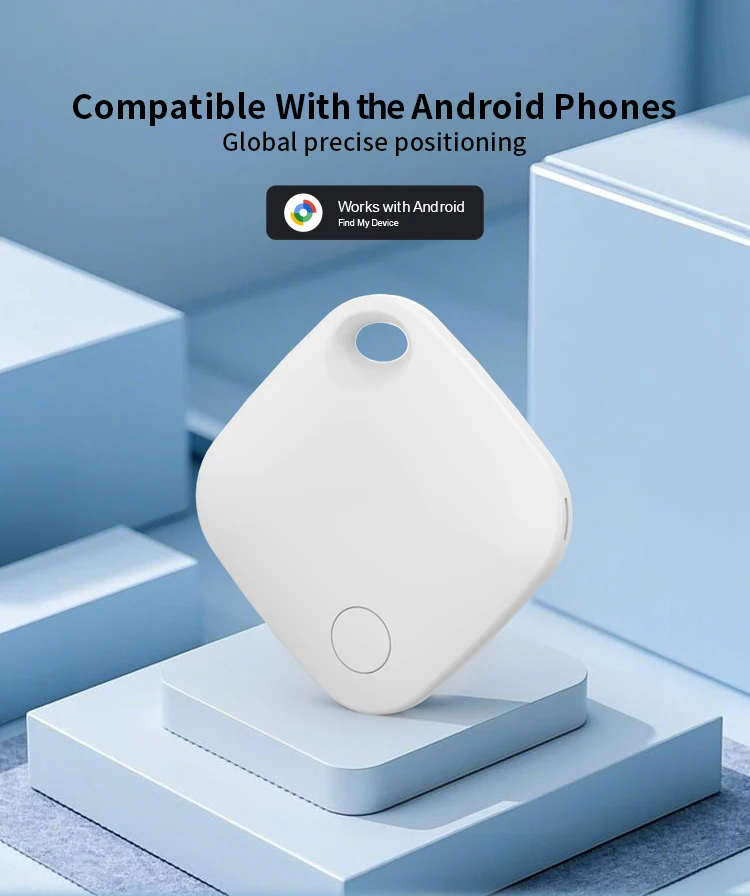
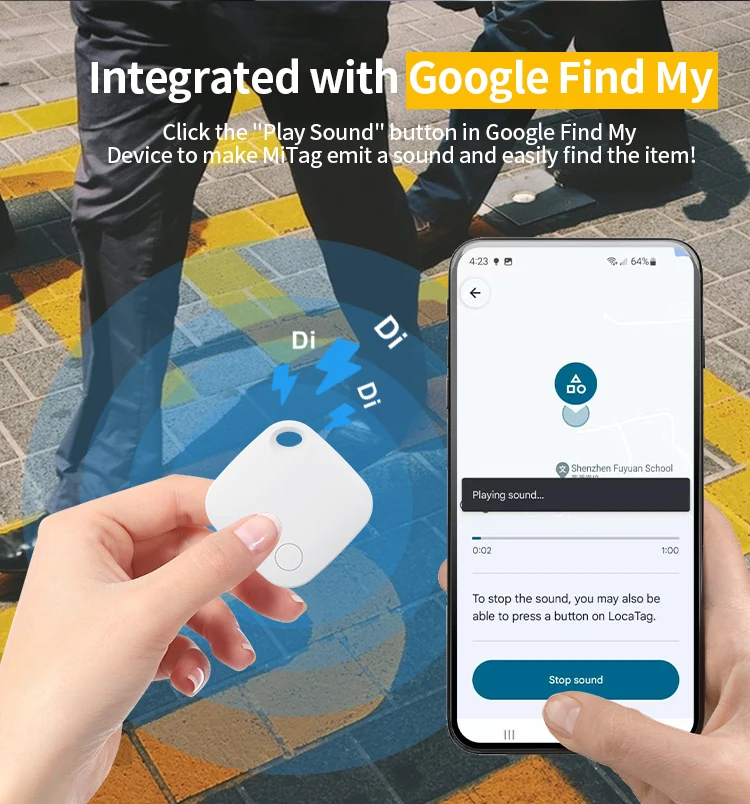
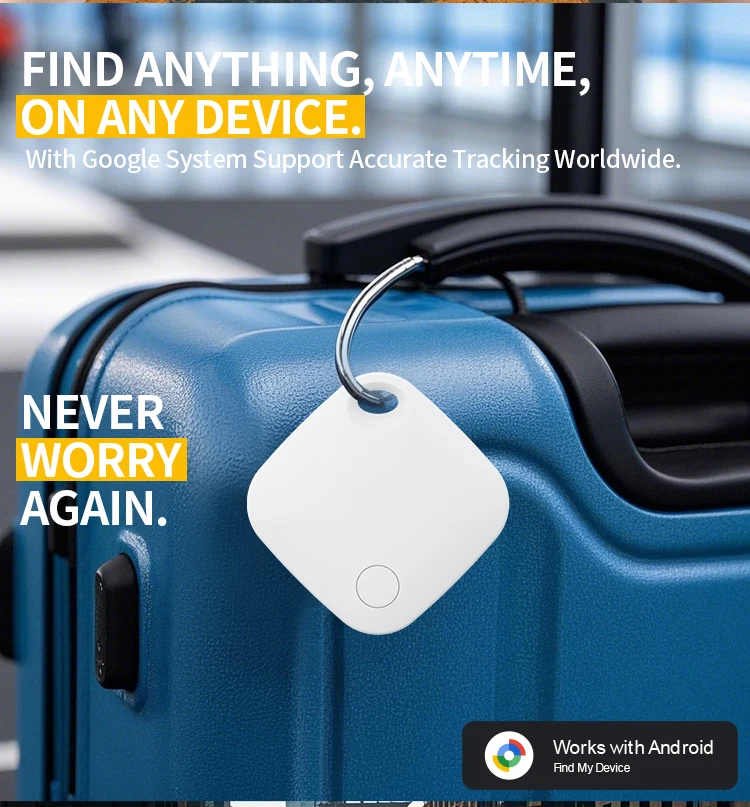
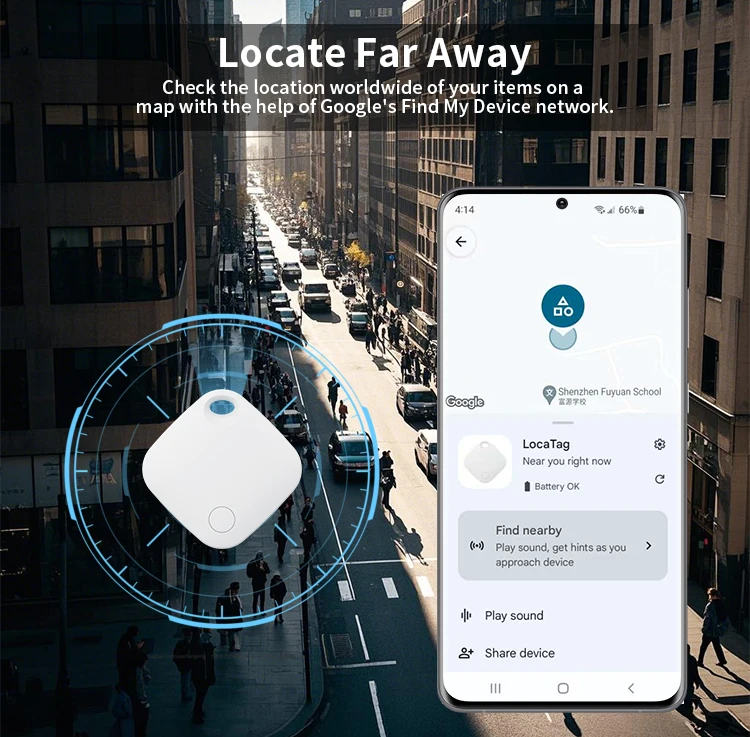
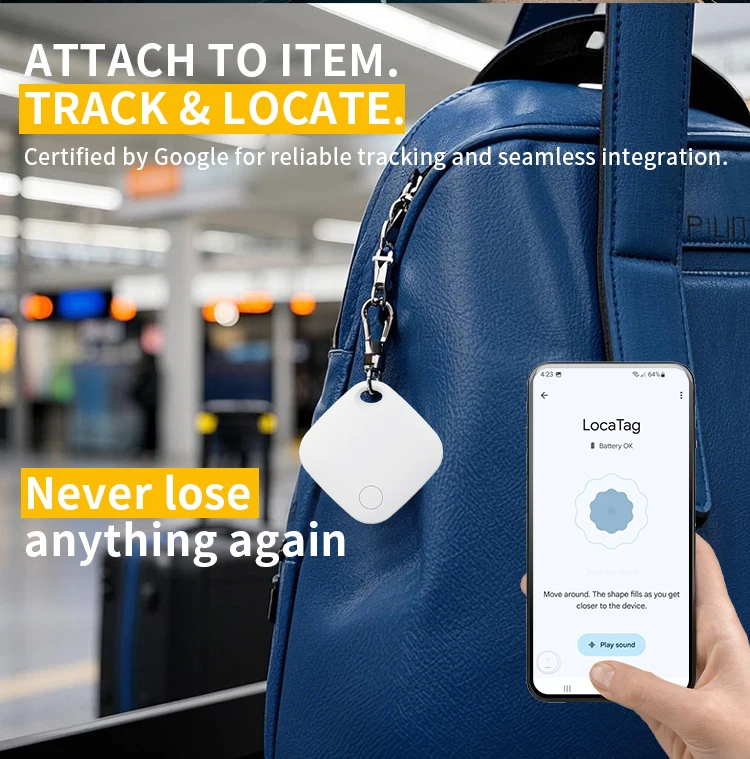
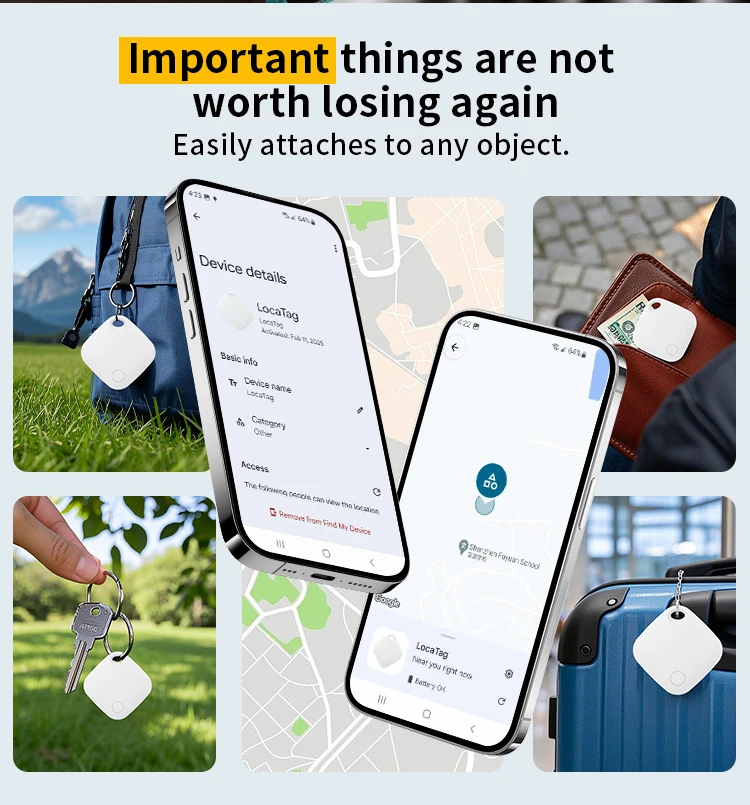
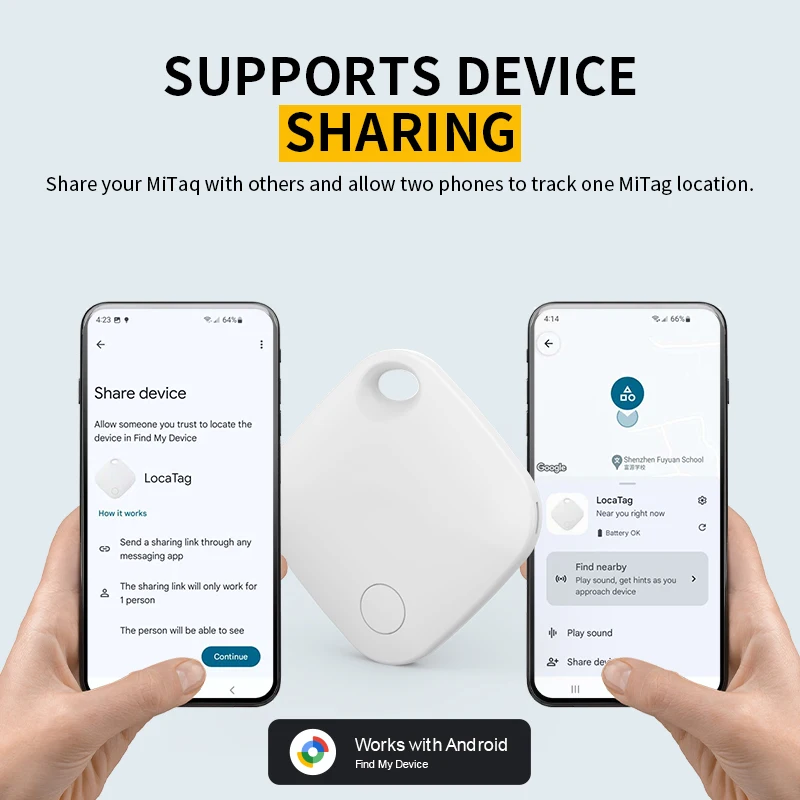
Smart Location Tracker for Android Devices Tag Work With Google Find Hub App Pos
SPECIFICATIONS
APP: Google's Find Hub App
App supported: Google Find Device
Battery Included: Yes
Battery in: CR2032 240MAH (replaceable)
Bluetooth distance: 40m (open line of sight)
Brand Name: HaveDeer
Buzzer sound: 80db (at 10cm range)
Certification: CE,FCC,RoHS
Choice: yes
Compatibility: Android
Country / Region has services Restricted by Google LCC can not use the tracker: Such as Russia ,China ,North Korea, Iran ,Cuba ,Crimea ,Syria , Central Asian countries ,Pakistan ,and so on
Display technology: No display
High-concerned chemical: none
Origin: Mainland China
Standby current: ≤ 5uA/battery life of 8 months
System for phones: Android 9.0 and above
Notice before purchase :
1.Make sure the Google LCC offer services (and updates) in the area you want to use the tracker ;
2.The Android devices you used with 9.0 and above ,and the devices can download Google' Find Hub App
Wide compatibility Compatible with most Android phone brands, such as Xiaomi / POCO / Samsung Galaxy / Google Pixel / OnePlus / Tecno and other Android devices, Demand Android 9.0 and above versions
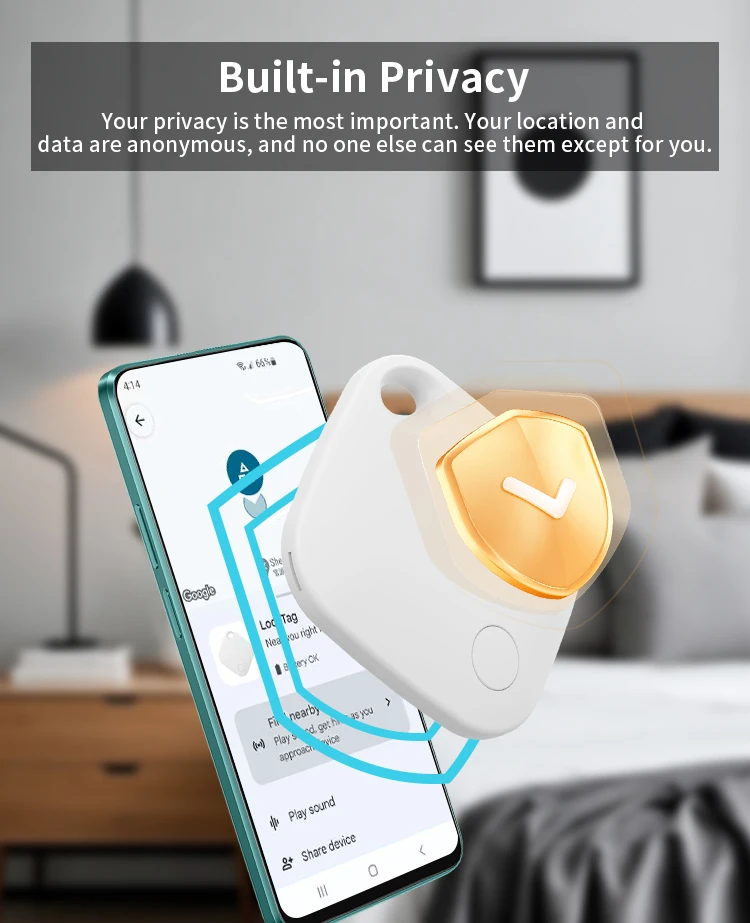
Intelligent tracking and protection
Provide Bluetooth GPS tracking function through Google find my device app
Hardware level Anti Loss Resilience design enhances device protection.
Innovative materials and structures
Using patented skin materials (Invented Skin) may have anti slip, wear-resistant, or antibacterial properties.
Built in cushioning structure (Build in Punchy), shock-absorbing and anti drop design, increasing durability.
For certain Samsung models, there are connectivity issues. Please check the following points:
Three Core Permission Fixes (Samsung Galaxy Owners Must)
1. Activate Google Bluetooth scanning module in Galaxy Settings (core requirement);
2.Check device and sharing permissions for Google services;
3.Access Google Play Services, find the Nearby devices permission and set it to Allowed.